
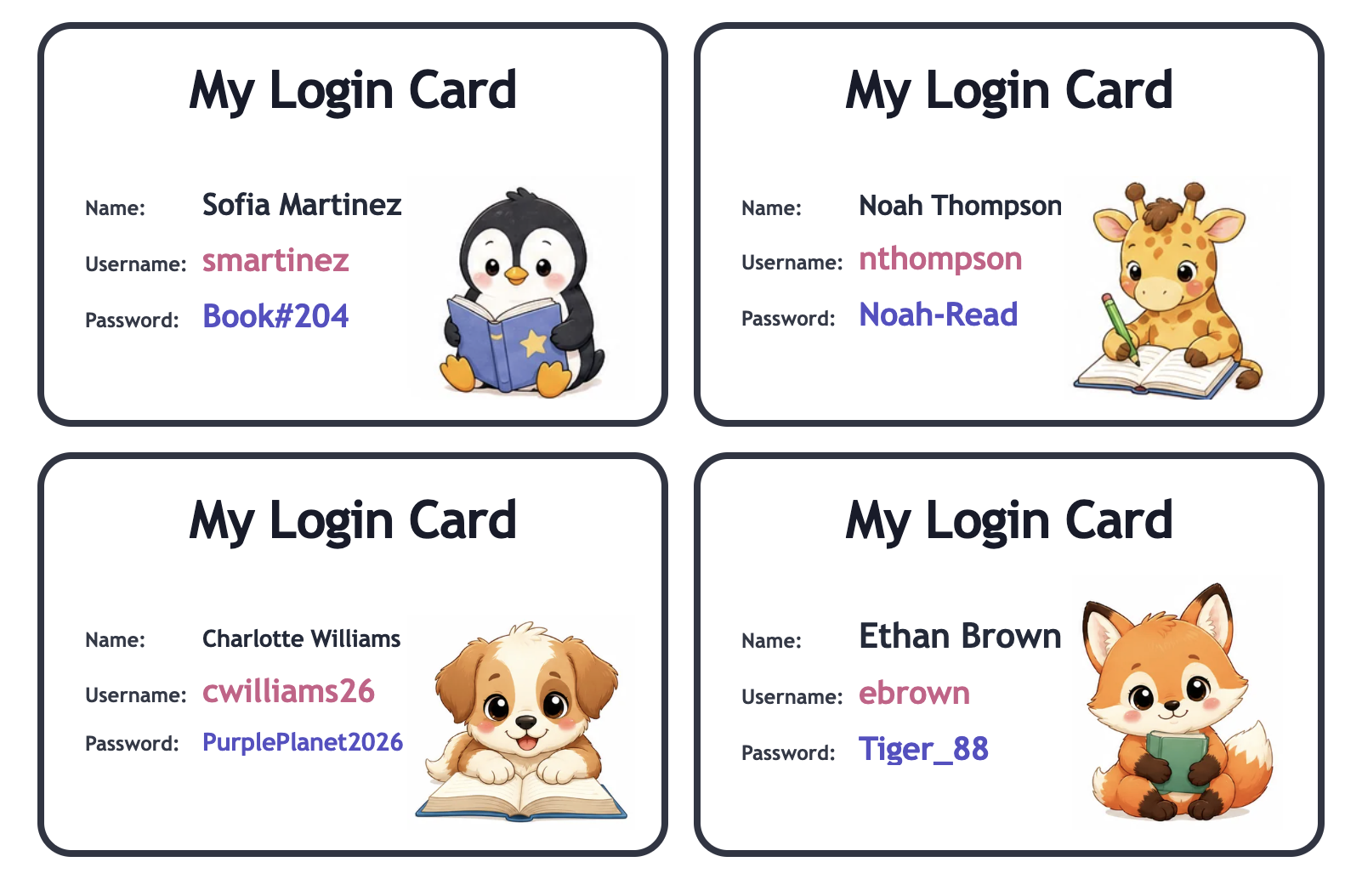
Design cards for independent use
Use large, readable text and include only the information students need. Keep the order consistent across cards so students know where to find the site name, username, and password.
For younger students, model how to match each line on the card to the correct field on screen without reading passwords aloud.
Choose a storage system that fits your privacy needs
Some classrooms keep cards in a teacher-controlled ring or pouch and distribute them only during device time. Others place individual cards inside folders that remain in the classroom.
- Do not leave passwords on public displays.
- Collect cards after use when appropriate.
- Keep a teacher copy in a secure location.
- Replace only the card whose information changed.
Practice the routine before the first digital assignment
Teach students how to collect a card, open the correct page, enter information, ask for help quietly, and return the card. Practice with no academic deadline attached.
A consistent login routine saves more time than adding extra information to the card. Review the process whenever devices, websites, or passwords change.