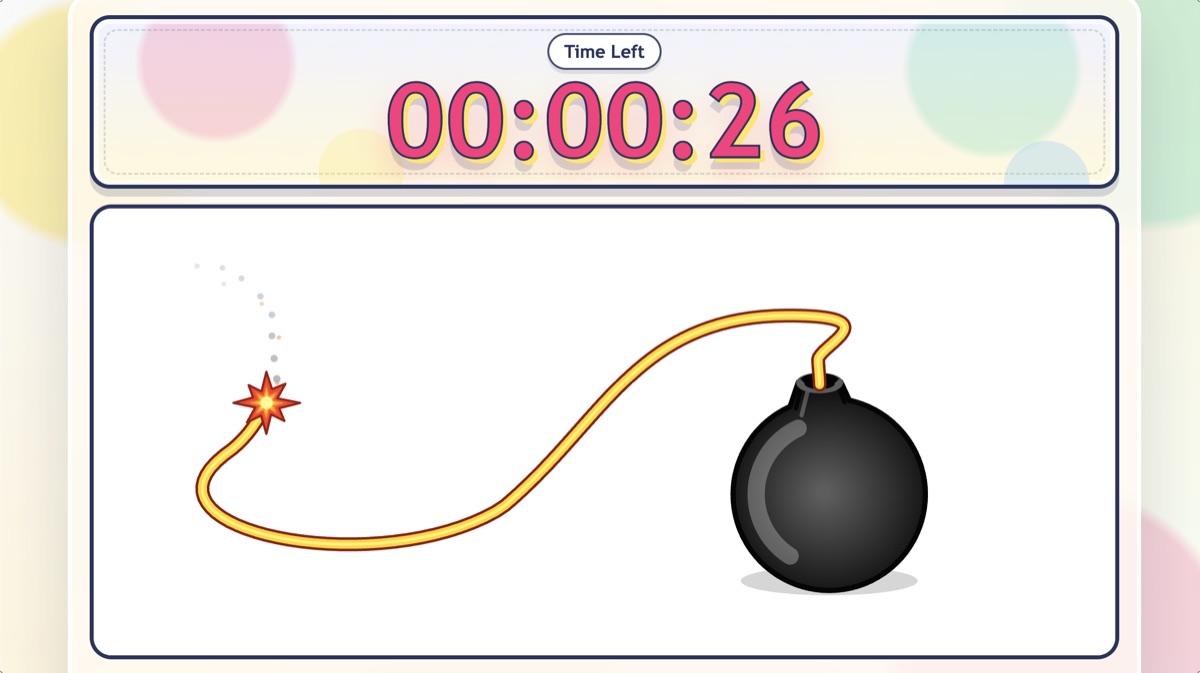
Bomb countdown
Transitions and quick countdowns
Bomb Countdown Timer
A playful countdown timer for transitions, cleanup, and review questions.
Try the online bomb timer
 Interactive Classroom Games & Tools
A classroom timer helps teachers keep transitions, cleanup, quiet work, focus time, and class pet rewards on track with a clear visual signal. Choose an online classroom timer that fits the classroom moment; students do not need accounts or app downloads.
Transitions and quick countdowns
A playful countdown timer for transitions, cleanup, and review questions.
Try the online bomb timer
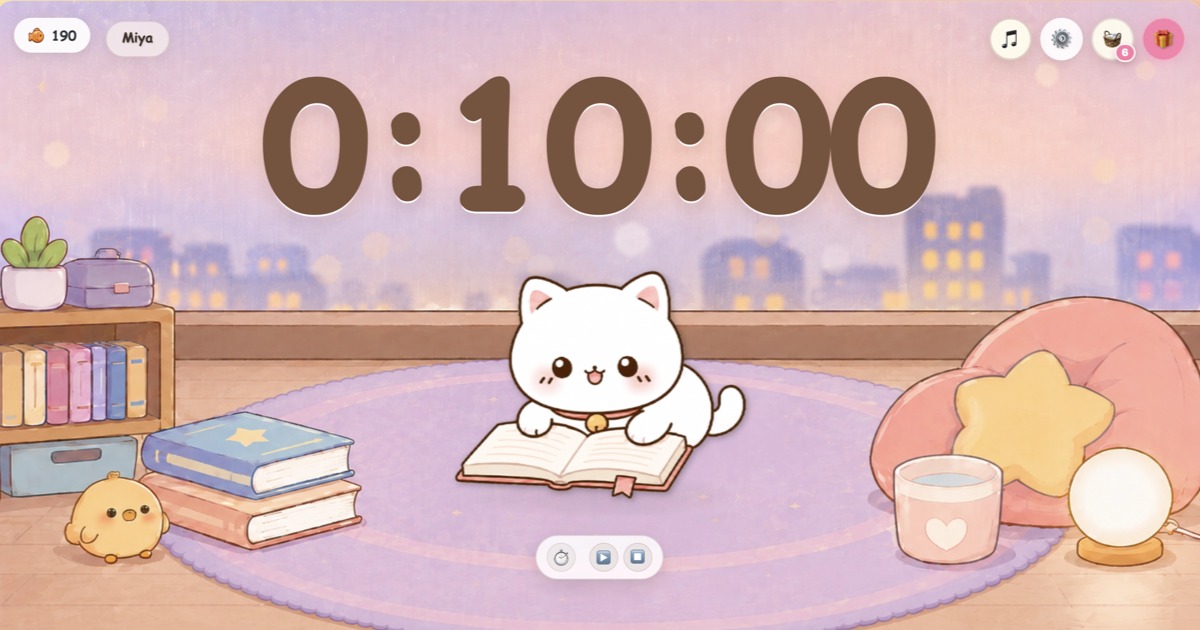
Virtual class pet rewards
A class pet reward timer for focus time, rewards, pet themes, and optional local noise checks.
Open classroom pet timer
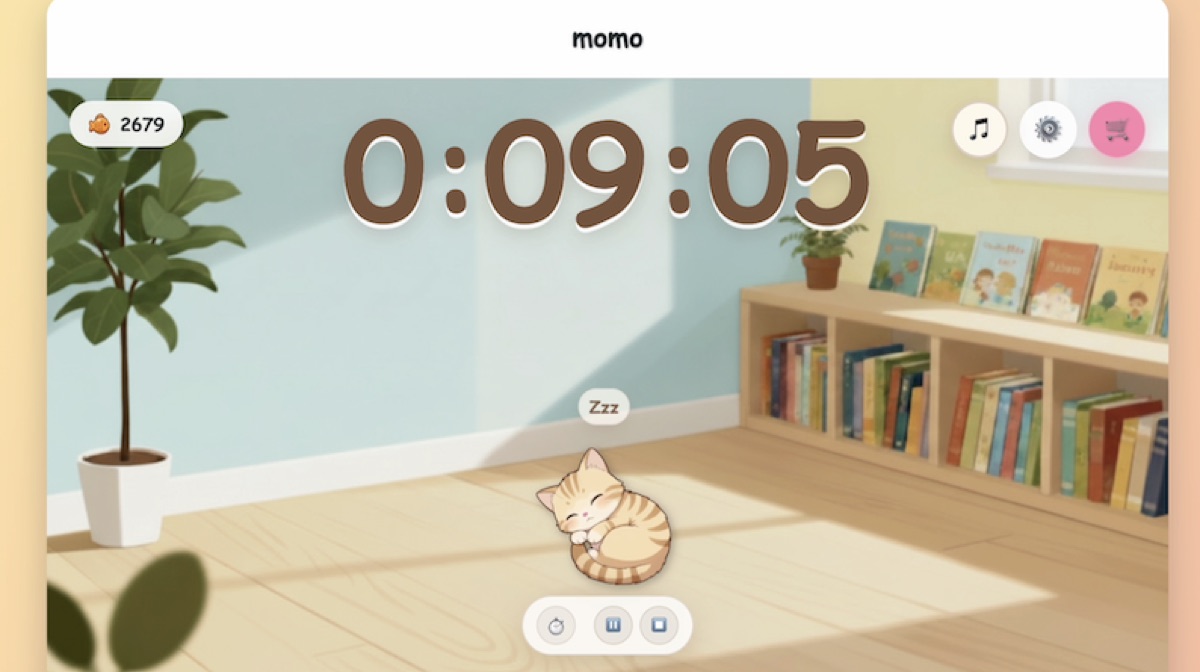
Quiet work and reading routines
A cat-themed version of the Classroom Pet Timer for quiet work and reading time.
Open quiet cat timer
Teacher choice guide
The right classroom timer depends on the moment. A calm timer can help students settle into reading or independent work, while a playful countdown can make transitions and cleanup feel clearer and faster. When focus time needs a shared reward goal, a classroom pet timer can connect the routine with virtual fish and class pet rewards.
Classroom timing basics
A classroom timer is more than a clock. In a busy lesson, it gives students a shared visual signal for what is happening now and how long they have left. Instead of repeating the time over and over, the teacher can point to one clear countdown on the classroom screen.
Online visual timers are especially helpful because they are easy to reset between activities. Teachers can use one timer for a two-minute warm-up, another for a ten-minute reading block, and another for a quick review challenge without installing software or asking students to open anything.
Classroom moments
Teachers often use classroom timers to make invisible time visible. During transitions, a countdown helps students move from one task to the next. During cleanup, it creates a clear finish line. During quiet work or reading time, it lets students know the class is still in the same routine and that the goal is staying focused, not rushing.
A projected timer also supports teacher-led classroom display. It can sit on a smartboard, projector, interactive whiteboard, or classroom screen while the teacher circulates. Students do not need personal devices, accounts, or app downloads to understand the routine.
Classroom timer for transitions
Use this online bomb timer as a visual classroom countdown for transitions, cleanup, warm-ups, and quick review tasks. It is useful when the class needs a short burst of urgency and a visible finish line.
Teachers can use it before a quick answer round, while groups get materials ready, or at the end of an activity when everyone needs to reset. The visual countdown is easy to understand from across the room, and the playful bomb theme makes the time limit feel like part of the classroom activity rather than another reminder from the teacher.
Classroom timer for class pet rewards
Classroom Pet Timer is useful when focus time needs a shared classroom goal. Teachers set the timer, project the digital class pet on a classroom screen, and let students work through the routine together. It fits quiet writing, reading stamina, cleanup follow-through, or any task where the class benefits from seeing both time and a friendly reward target. When the focus time ends, students earn virtual fish as a class reward.
Students use those virtual fish to unlock outfits, backgrounds, and items for the digital class pet. Classroom Pet Timer also supports optional local noise checks that run in the browser without recording or uploading audio. The rewards stay inside the classroom timer experience, so students do not need accounts, real payments, or payment details.
Classroom timer for quiet work
The Cat Classroom Timer is better for calm routines. Use it for quiet work, reading time, independent practice, focus blocks, or any moment when students need a steady visual timer instead of a high-energy countdown.
Quiet Cat Timer uses the same focus-and-reward routine as Classroom Pet Timer, with a calmer cat-themed design for reading time, independent work, and quiet classroom moments. Optional local noise checks run in the teacher browser without recording or uploading audio.
No login or app download
A timer should not become another setup task. With BeMoFun, the teacher controls the classroom timer from one browser tab and students simply follow the countdown on the shared display. That makes it useful for younger students, mixed-device classrooms, substitute lessons, and quick moments when there is no time to manage logins.
This also keeps the timer flexible. You can open it on a laptop, display it through a projector, use it on a smartboard, or keep it visible during screen sharing. The routine stays teacher-led, while students get a clear signal for how much time is left.
Classroom display
BeMoFun timers are built for teacher-led display. Open a timer in the browser, set the time, and show it where students can see it. There is no app download, no student login, and no extra setup for the class.
Short answers for teachers comparing classroom timers, online countdowns, and no-login classroom display.