BeMoFun

Classroom Management Tools for Teachers

Use simple browser-based tools to manage transitions, quiet work, group rewards, visual timers, and whole-class routines without student accounts or extra materials.

Before the first week

Preparing for Open House?

Customize the editable Open House Kit for family information, student details, dismissal plans, and check-in routines.

Explore Open House Kit

Routine choice

Choose a tool for your classroom routine

Start with the routine you want to support. These classroom management tools are built for teacher-led moments where students need a clear signal, visible progress, or a shared class goal.

Classroom needRecommended toolBest for
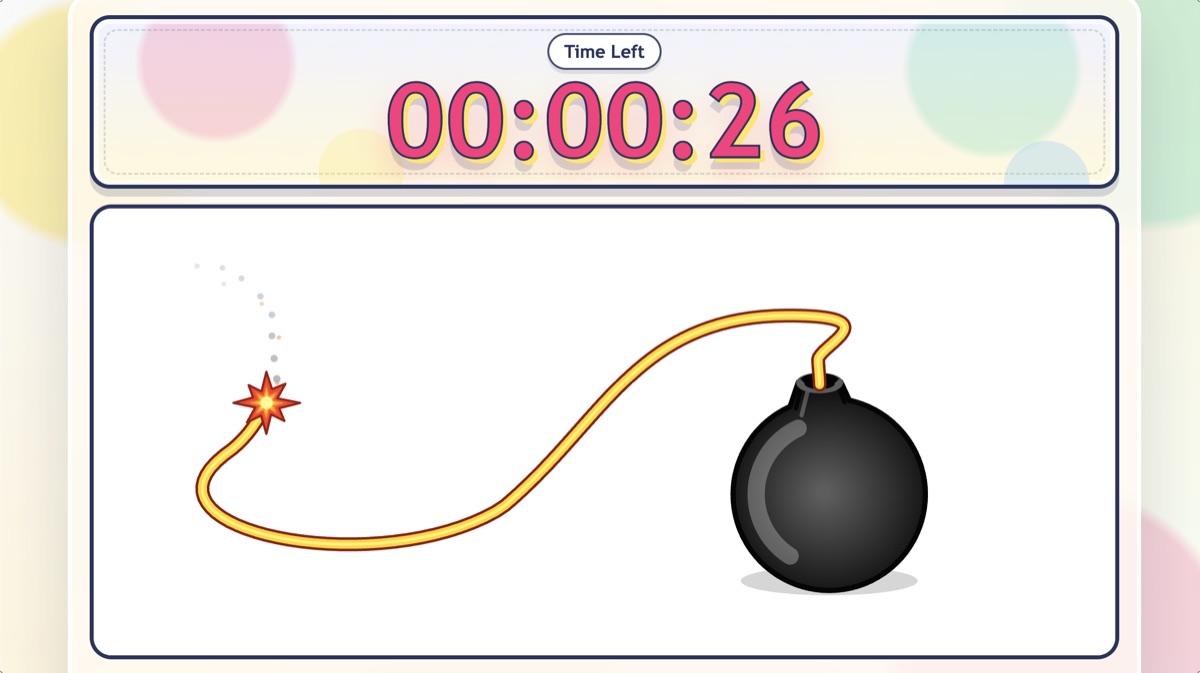
Transitions / cleanupBomb Countdown TimerFast visual countdowns for short classroom moments
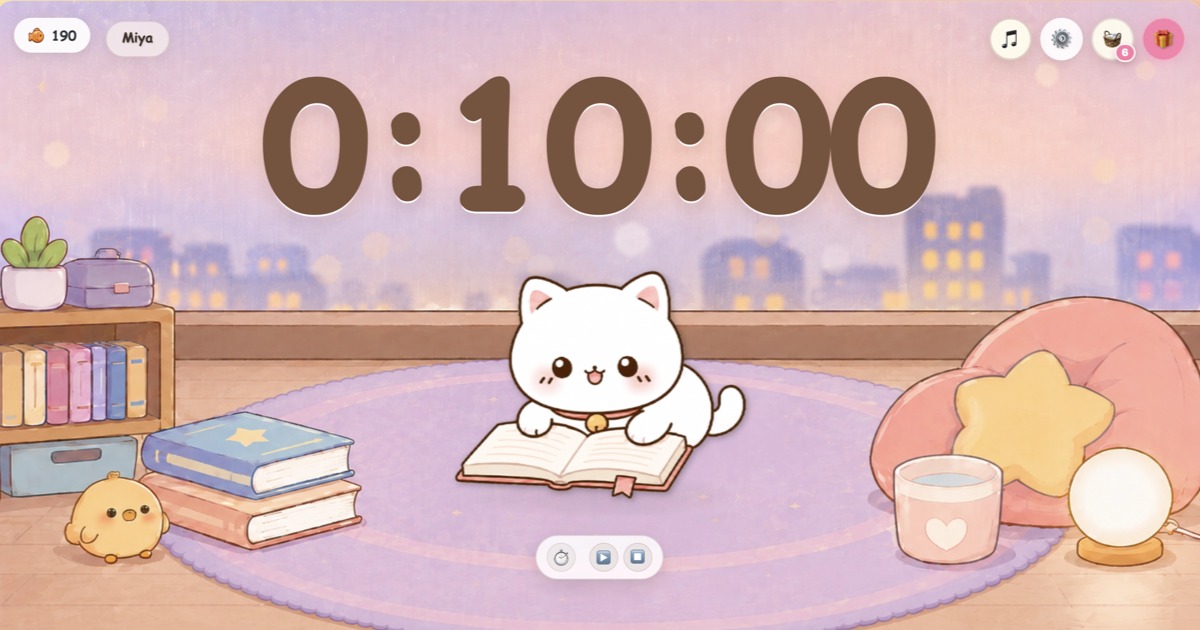
Quiet work / readingQuiet Cat TimerCat-themed focus routines for reading and independent work
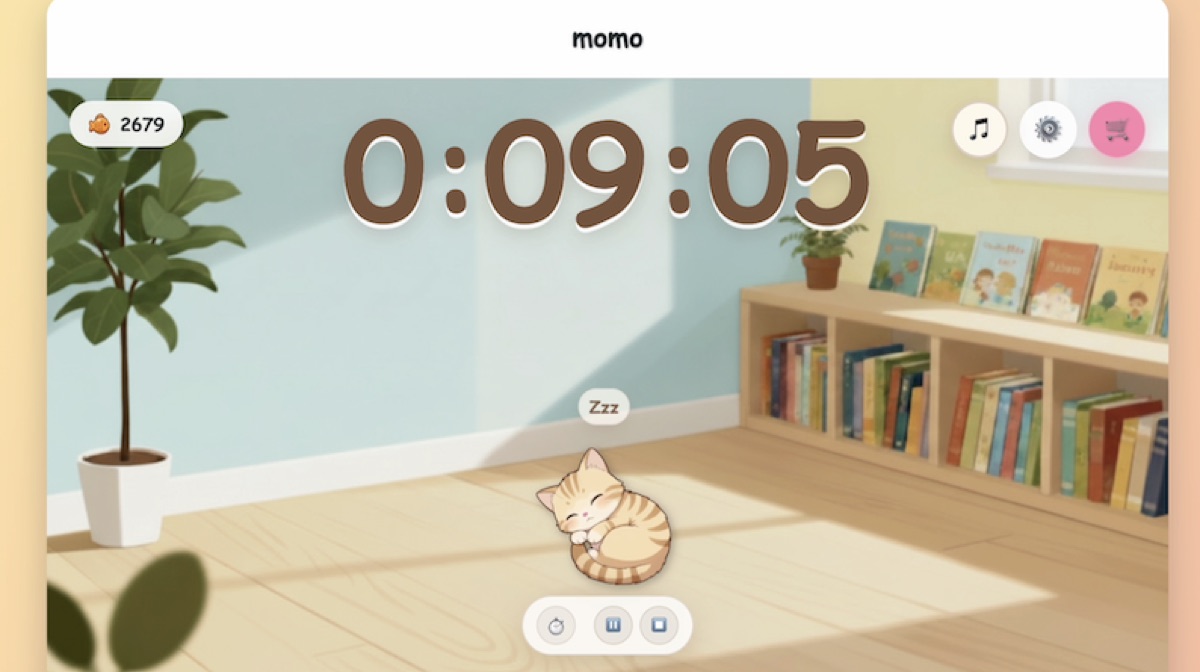
Class pet rewardsClassroom Pet TimerVirtual fish rewards and digital class pet motivation
Timed questions / warm-upsBomb Countdown TimerClear time limits for quick tasks
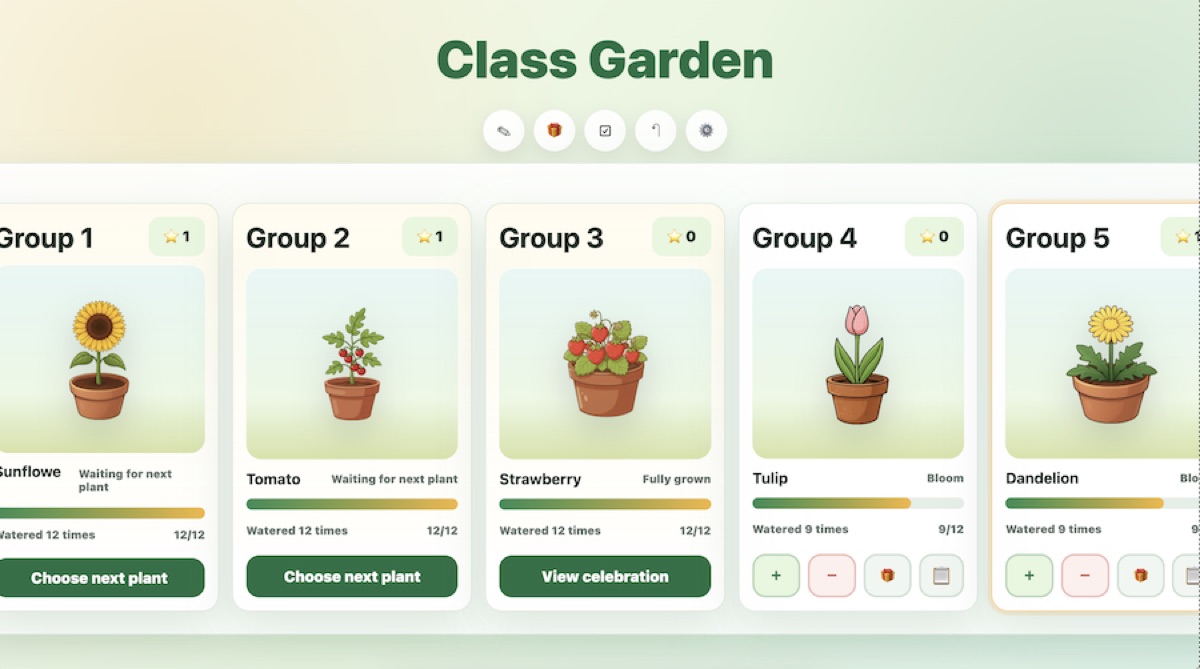
Group motivationClass Garden Group RewardsGroup points, plant growth, and classroom incentives
Whole-class focusClassroom Pet TimerLonger routines where the class works toward a shared reward goal
Classroom volume checkClassroom Pet Timer or Quiet Cat TimerOptional local noise check routines that run in the teacher browser

Classroom support

What these classroom management tools help with

Use this category when your class needs a visible routine for transitions, cleanup, quiet work, reading, warm-ups, group motivation, classroom volume checks, or whole-class focus. The tools are simple enough to open during a lesson and clear enough for students to understand from one shared classroom screen.

Some routines may feel playful like classroom management games, but the purpose stays practical: help the teacher show the next step, reward progress, and reduce repeated reminders.

Transitions and cleanup routines
Quiet work and reading time
Timed questions and warm-ups
Group rewards and class incentives
Optional local noise check routines
Whole-class focus routines
Visible progress without student logins

Tool types

When to use timers and when to use reward tools

Timers work best for short classroom moments: transitions, cleanup, timed questions, warm-ups, and quick wrap-ups. They give the class one visible finish line and help students pace the task.

Reward tools work better for routines that build over time, such as group motivation, teamwork, homework completion, readiness, and whole-class focus. Class Garden Group Rewards helps groups see progress through watering points and 15 collectible plants, while teachers set the point rules and reward options.

If you mainly need visual countdowns, see the BeMoFun classroom timers guide.

For a broader no-login resource list, see free classroom games for teachers.

Classroom Management Tools FAQ

Short answers for teachers comparing timers, classroom reward systems, and behavior management tools.

Online classroom management tools are browser-based tools teachers use to guide routines, show time, reward positive behavior, and keep the class moving without extra materials.
No. These tools are designed for teacher-led classroom display. Teachers open the tool in a browser, and students can follow the routine without creating accounts or downloading an app.
Use Quiet Cat Timer for simple quiet work and reading routines. It is a cat-themed version of the Classroom Pet Timer. Use Classroom Pet Timer when you want the main digital class pet reward system where students earn virtual fish during focus time.
Classroom Pet Timer and Quiet Cat Timer include an optional local noise check. It runs in the teacher browser only when turned on and does not record or upload audio.
Use Class Garden Group Rewards when you want groups to earn points, grow plants, track progress, and work toward teacher-created classroom incentives. Teachers can choose from 15 collectible plants, set watering needs, adjust point and penalty rules, and create reward options.