BeMoFun

Classroom Review Games for Teachers

Choose quiz games for class review, add or batch-paste your own questions, and generate a share link. Open the question bank and supported game setup from the share link on another computer, tablet, or classroom device without student accounts.

Teacher-created review

Add Your Questions, Then Share the Game

Turn your own lesson questions into a browser-based classroom quiz game. All four games support individual question entry and batch-paste input, with one question or prompt per line.

Share links are designed for classroom use and are not intended as permanent question bank storage. If the setup is still available in the teacher browser, the teacher can create a new share link when needed.

  1. 1Choose a classroom review game.
  2. 2Add questions individually or batch-paste one question or prompt per line.
  3. 3Set the supported player, team, and game options.
  4. 4Create a share link for the configured game.
  5. 5Open the question bank and supported setup from the link on another device.
  6. Teacher sign-in may be required to create or manage a share link. Students do not need accounts to open the shared game.

Whole-class competition

Team Quiz Games for Classroom Competition

Turn teacher-created questions into team competitions, head-to-head quiz races, collaborative group challenges, and whole-class review games. Teachers control the questions and game flow while students participate individually, as representatives, or in classroom teams.

Board-game team reviewTwo-player head-to-headCollaborative survival challengeRanked classroom quiz race

Teacher choice guide

Which Classroom Review Game Should I Use?

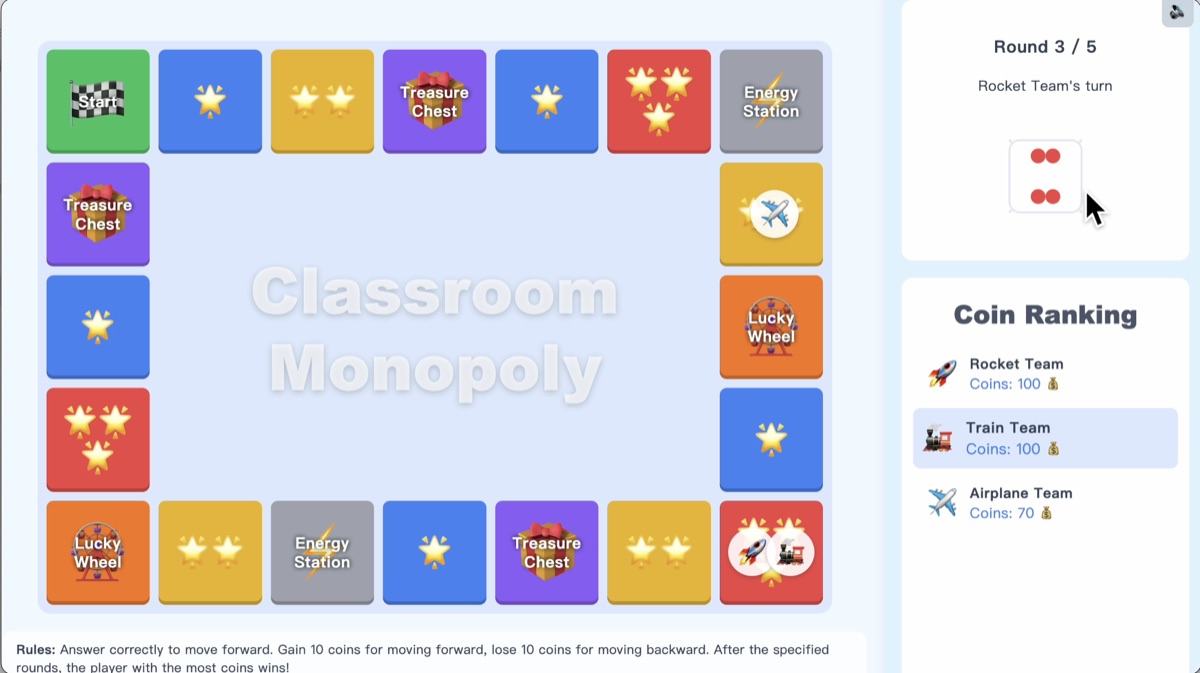
Classroom Review Monopoly
Best for
Longer review sessions
Play format
2–4 players or teams
Teacher use
Board-game style unit review
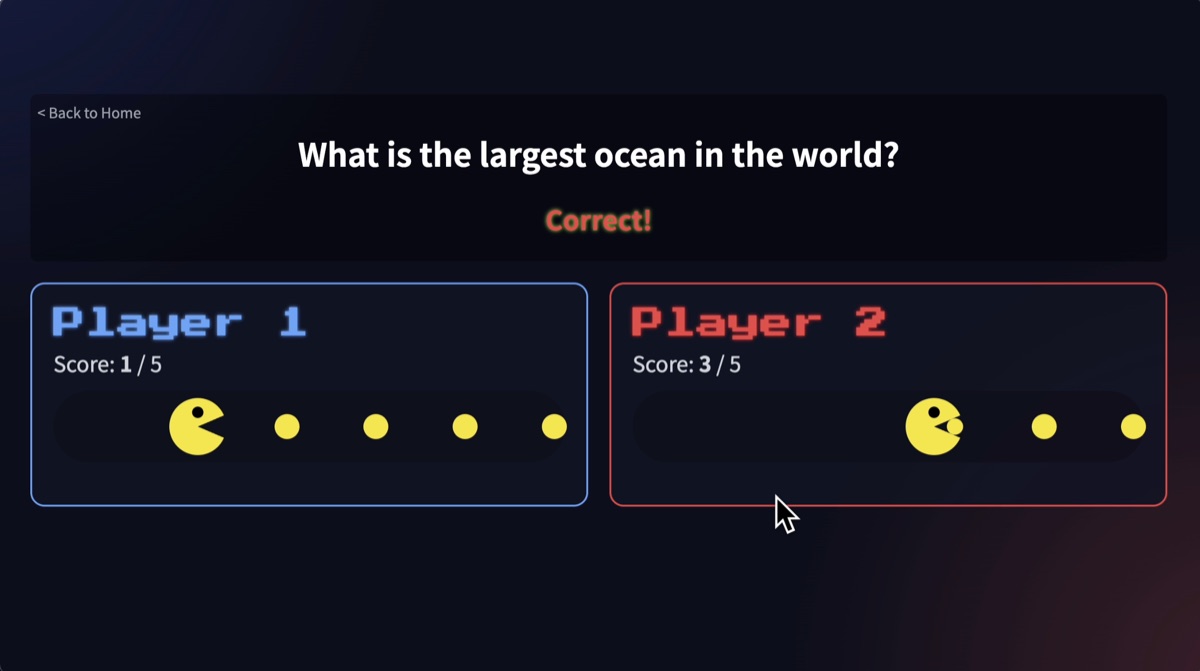
Quiz Pac-Man
Best for
Fast question rounds
Play format
Single or two-player
Teacher use
Head-to-head review or class representatives
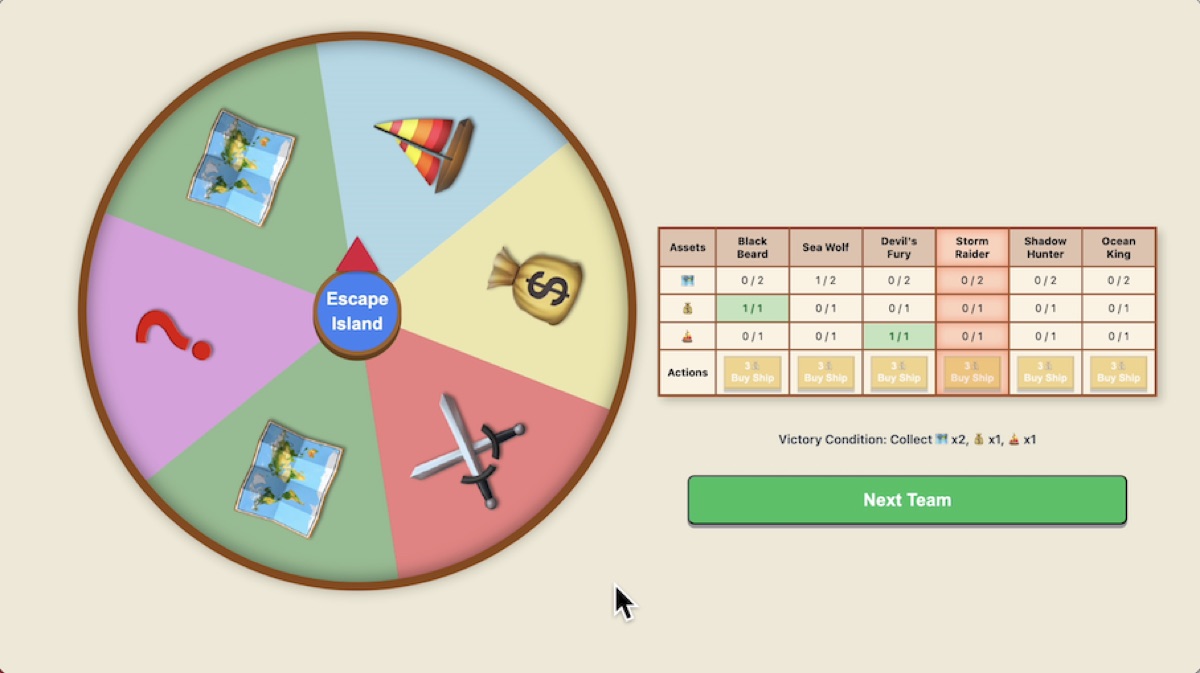
Island Survival
Best for
Group cooperation
Play format
2–8 teams
Teacher use
Collaborative review challenges
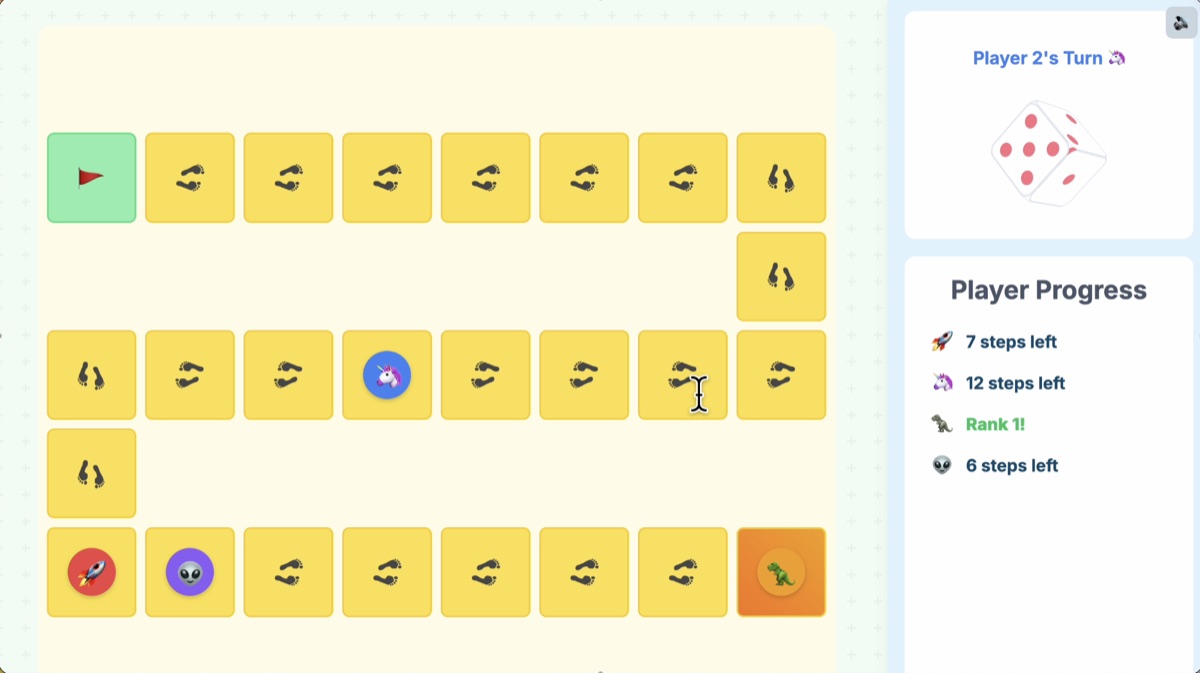
Fun Quiz Contest
Best for
Quick competitive review
Play format
2–4 players or teams
Teacher use
Quiz races with an in-game ranking

Teacher-led review

Teacher-Led Review Without Student Accounts

Teachers can run the games from a computer, tablet, projector, or classroom display. Students do not need accounts to open a shared game or join a teacher-led classroom activity, although teacher customization and sharing may require teacher sign-in.

These games do not automatically grade open-ended answers or track student performance. The teacher decides whether an answer is correct and controls the game flow.

Looking for a broader overview? See the free classroom games guide for teachers.

Classroom Review Games FAQ

Short answers about custom questions, team play, sharing, and student accounts.

BeMoFun currently offers Classroom Review Monopoly, Quiz Pac-Man, Island Survival, and Fun Quiz Contest. Each game turns teacher-created questions into a different review format, from head-to-head races to team challenges.
Yes. Teachers can add questions individually or batch-paste one question or prompt per line. The games do not store separate answer fields, so the teacher decides whether an answer is correct.
Configure the questions and supported game settings, then create a share link. Teacher sign-in may be required to create or manage the link, and share links are not intended as permanent question bank storage.
Yes. Classroom Review Monopoly supports 2–4 players or teams, Island Survival supports 2–8 teams, and Fun Quiz Contest supports 2–4 players or teams. Quiz Pac-Man supports single or two-player review.
Students do not need accounts to open a shared game or join a teacher-led classroom activity. Teacher customization and sharing may require a teacher sign-in.
No. These are teacher-led review games, so the teacher decides whether an answer is correct and controls the game flow. BeMoFun does not present these games as automatic grading or student performance tracking tools.