
Classroom Games &Classroom Management Tools
Browser-based classroom tools for routines, rewards, review games, and Chinese learning. Open activities instantly in class, with no student accounts required.

Classroom Management Tools
Open browser-based tools for visible timing, quiet routines, virtual class pet rewards, and group reward systems without student accounts.
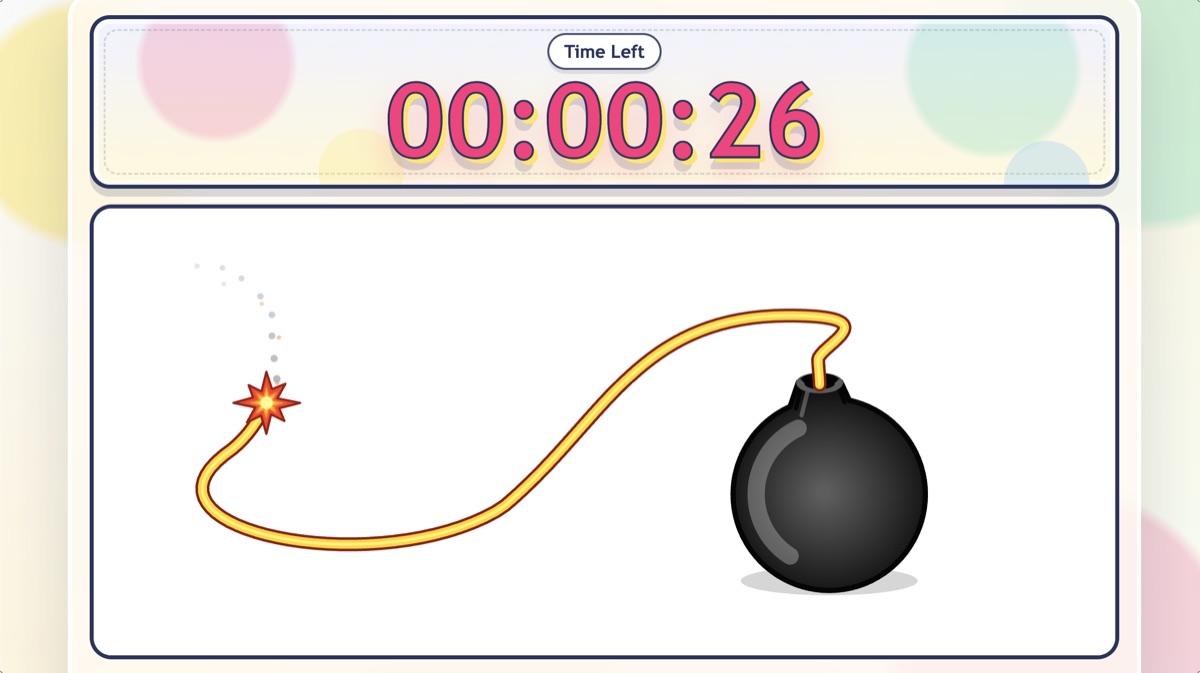
Best for: transitions · cleanup · timed questions
Classroom Timer Bomb Countdown
A visual classroom timer with a cartoon bomb countdown, pause, reset, and full-screen display for warm-ups, timed questions, group work, and lesson wrap-ups.
Start Using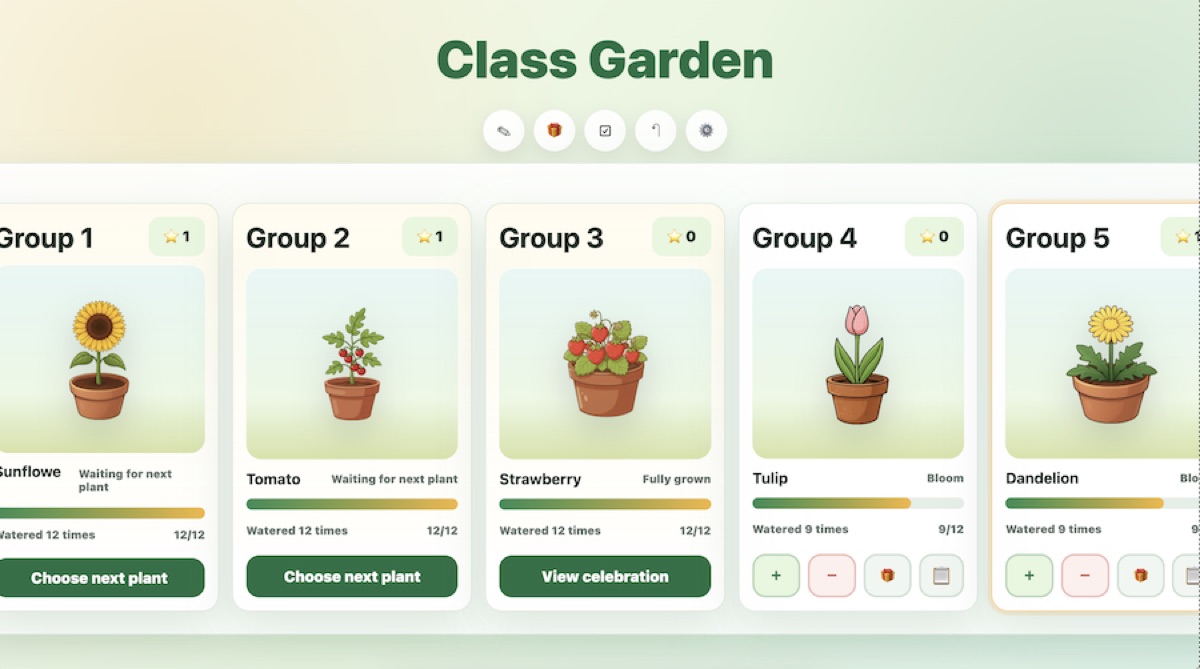
Best for: group points · routines · long-term motivation
Classroom Management Tool for Group Rewards
A classroom management tool where teachers manage groups with watering points, penalties, plant growth, collection goals, and reward redemption.
Start Using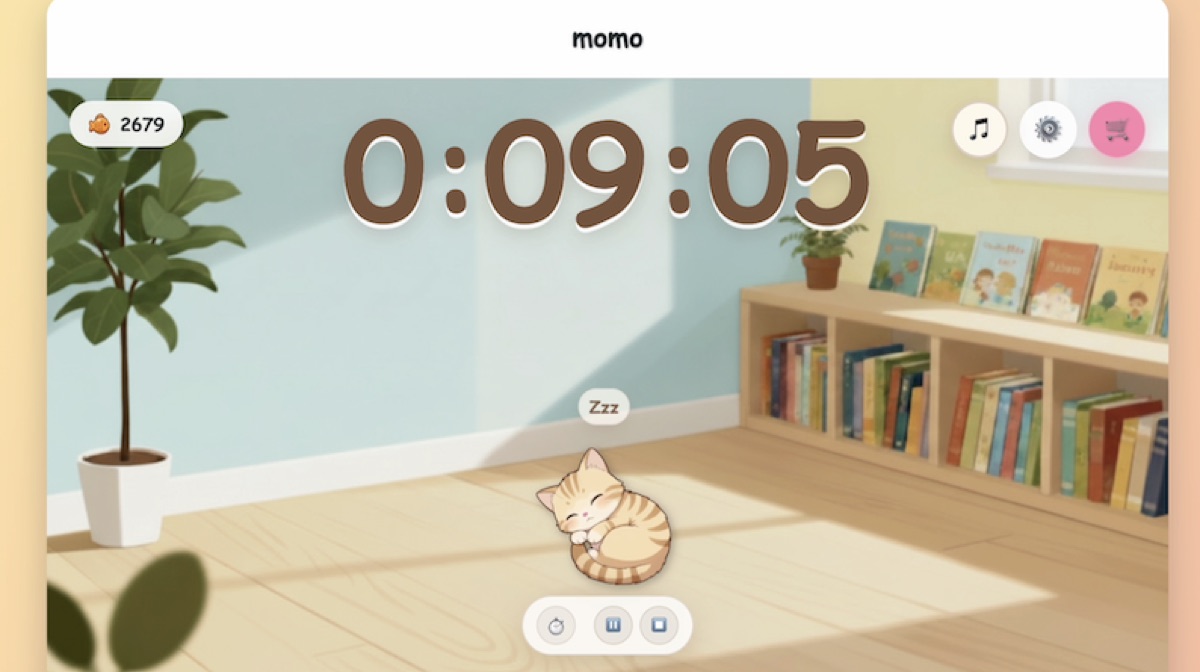
Best for: quiet reading · independent work · calm focus
Quiet Cat Timer
Keep quiet work and reading time visible with a cat-themed classroom timer. Optional local noise check helps teachers notice room volume without recording or uploading audio.
Start UsingClassroom Review Games
Turn teacher-created questions into classroom review games for unit review, team competitions, and whole-class review.
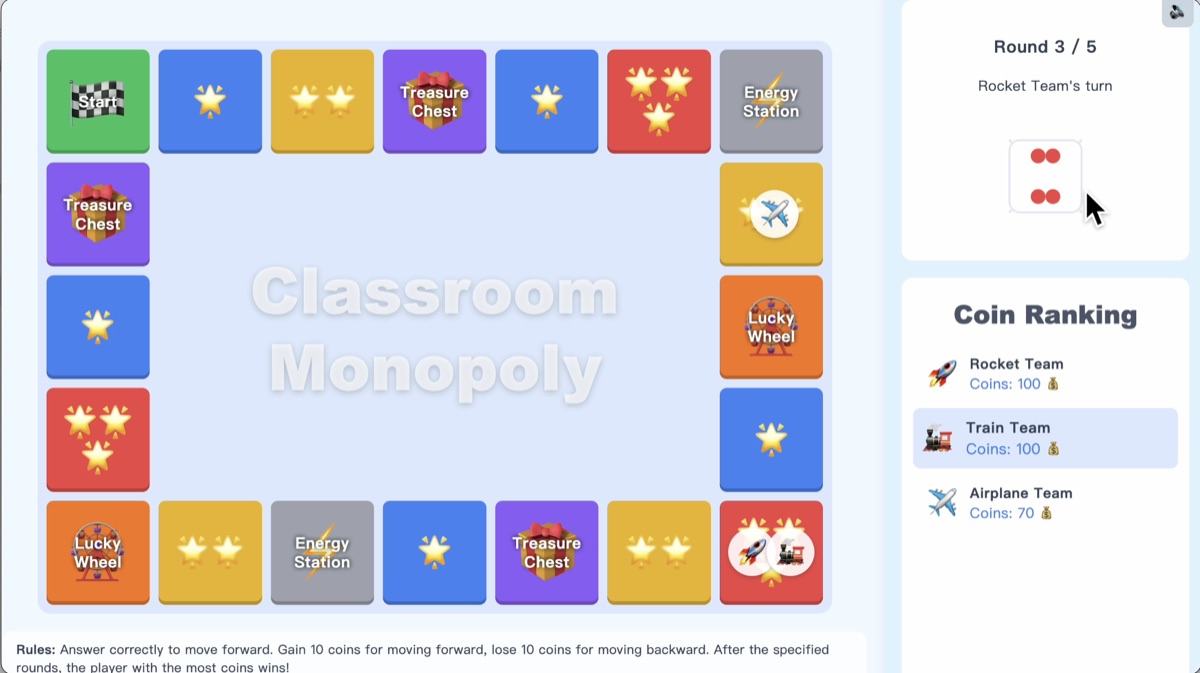
Best for: team review · knowledge checks · board-game competition
Classroom Review Monopoly
A classroom review game where students roll dice, answer teacher-created questions, and move around the board in teams. Great for quiz games, review lessons, and games to play in class.
Open Game
Best for: quick questions · head-to-head review · warm-ups
Quiz Pac-Man Review Game
A fast classroom quiz game where correct answers keep students moving. Use it for review lessons, vocabulary practice, grammar checks, and fun classroom games.
Open Game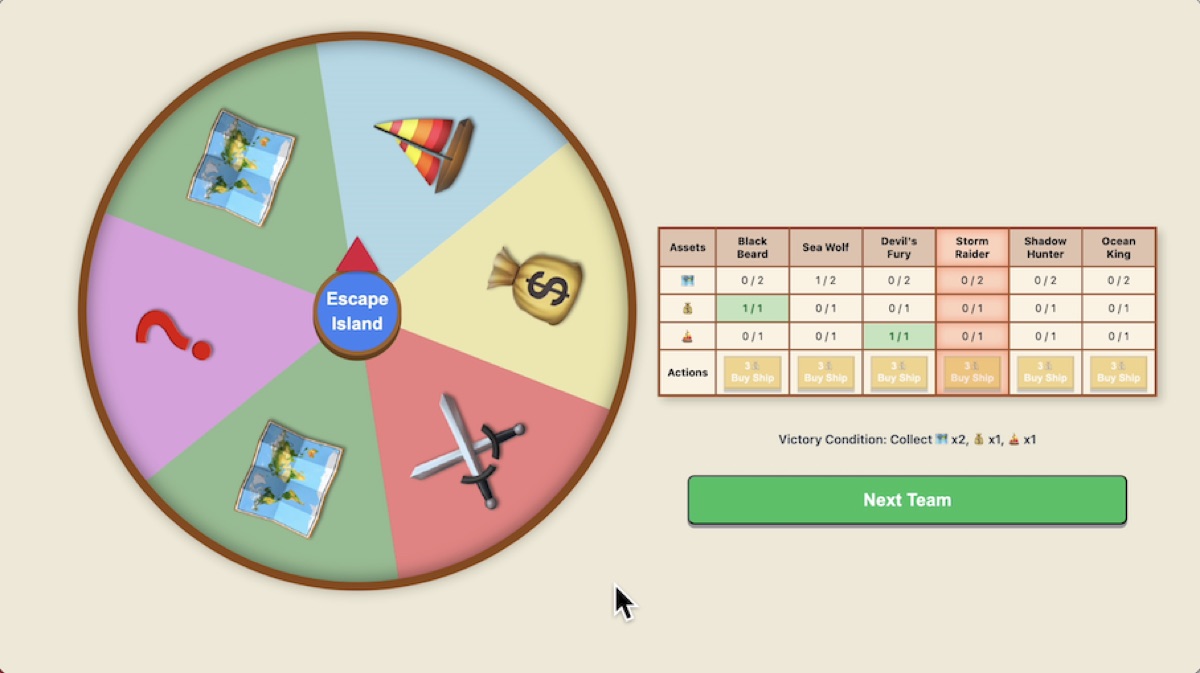
Best for: teamwork · unit review · group challenges
Island Survival Team Review
A team-based classroom review game where students answer questions, collect supplies, and work together. Great for group review, icebreakers, and collaborative classroom games.
Open GameChinese & Pinyin Learning Games
Use preset or customizable activities for pinyin practice, hanzi structure, pronunciation, and Chinese vocabulary review.
Best for: pinyin recognition · tone practice · warm-ups
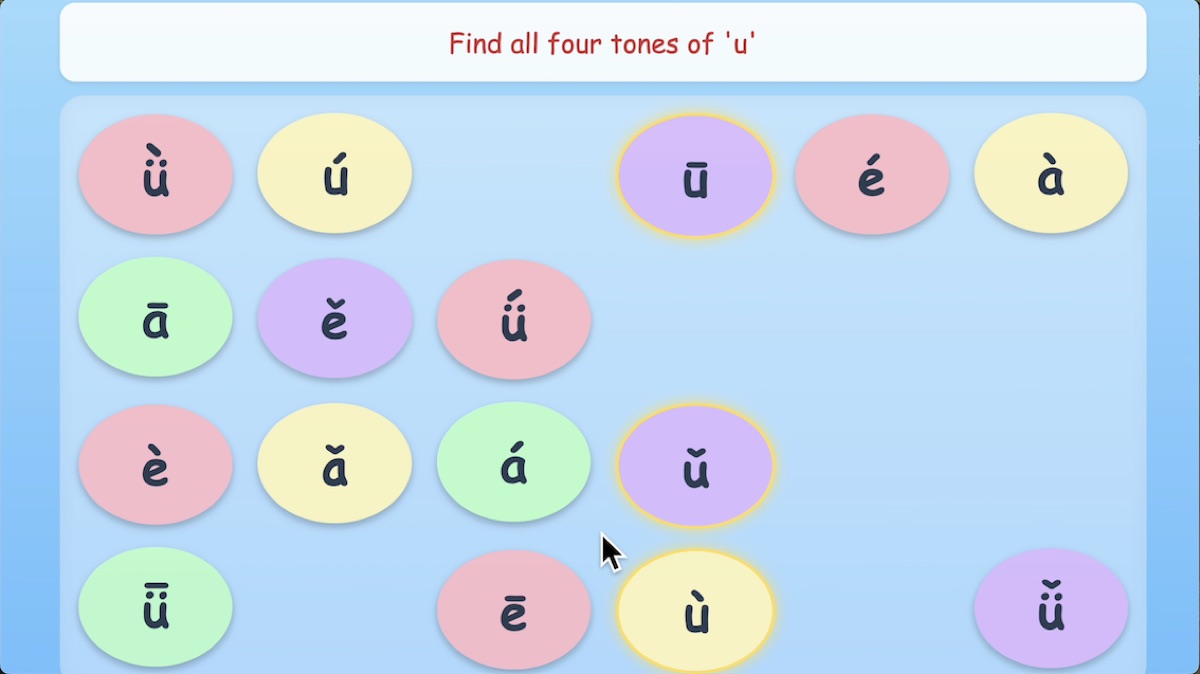
Pinyin Match Game
A Chinese learning game for classroom pinyin practice. Students match pinyin through an interactive activity for beginner Mandarin lessons.
Open Game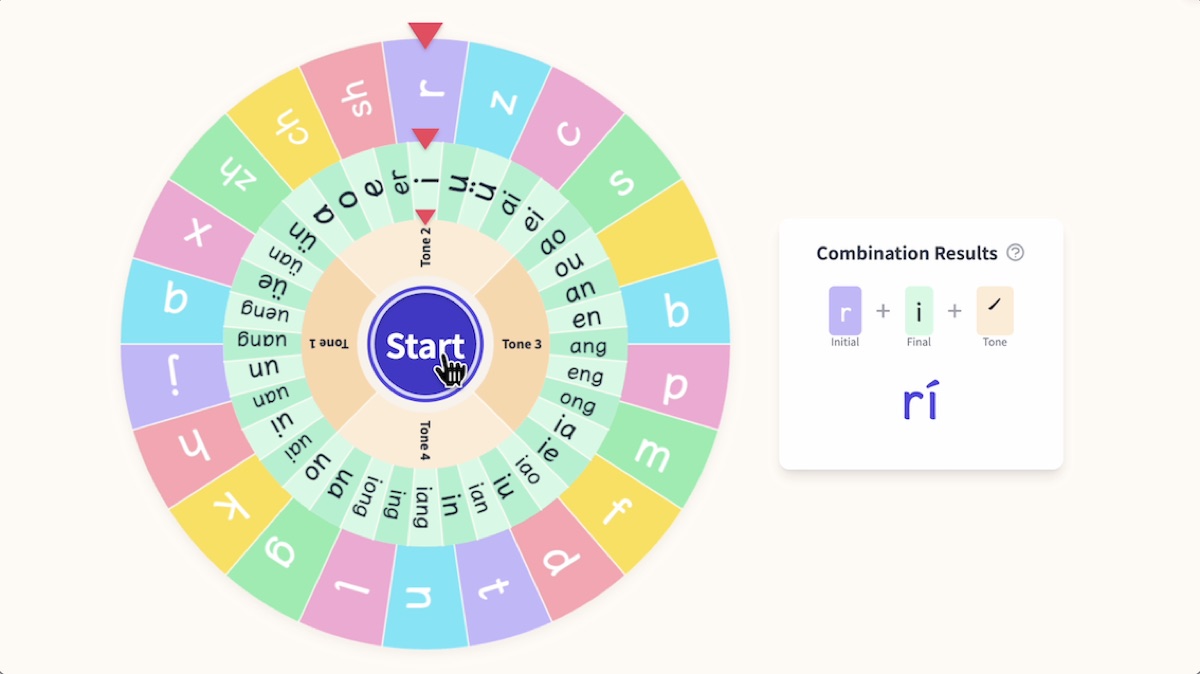
Best for: pronunciation warm-ups · random practice · whole-class review
Pinyin Wheel Game
A random pinyin practice wheel for Mandarin classrooms. Teachers choose initials and finals, then spin for warm-ups or pronunciation review.
Open Game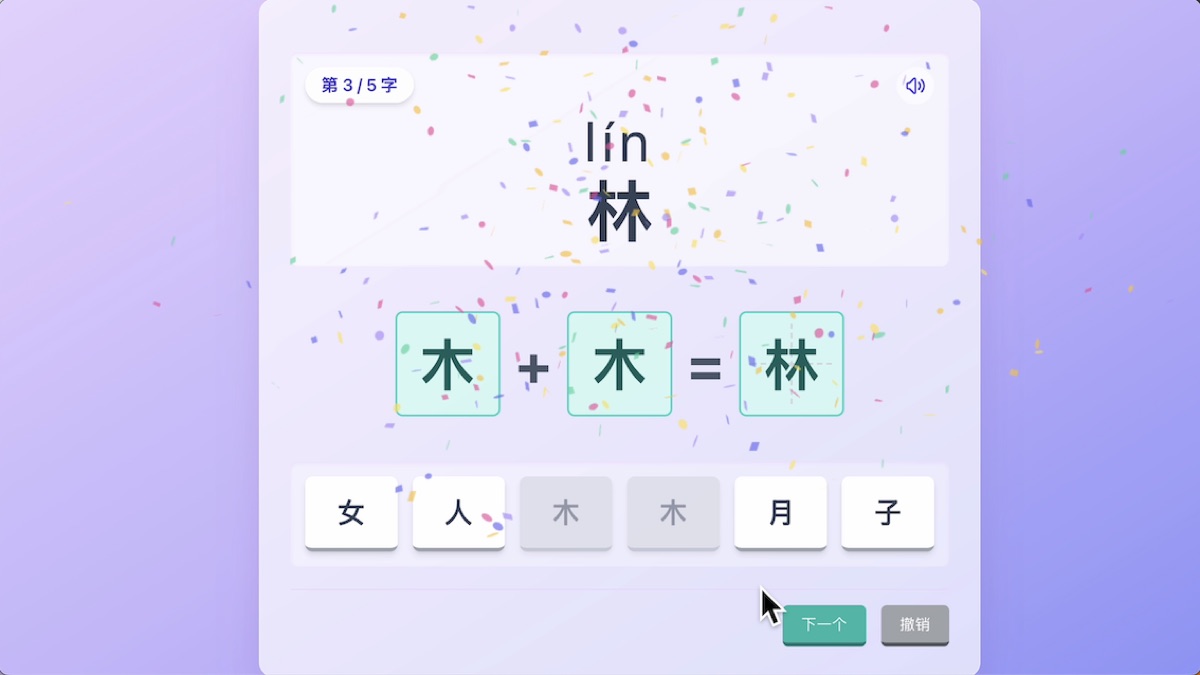
Best for: hanzi structure · radicals · character recognition
Hanzi Blocks Game
A Chinese character learning game where students build hanzi from components and notice character structure through hands-on classroom practice.
Open GameFrequently Asked Questions
Find the answers you need quickly